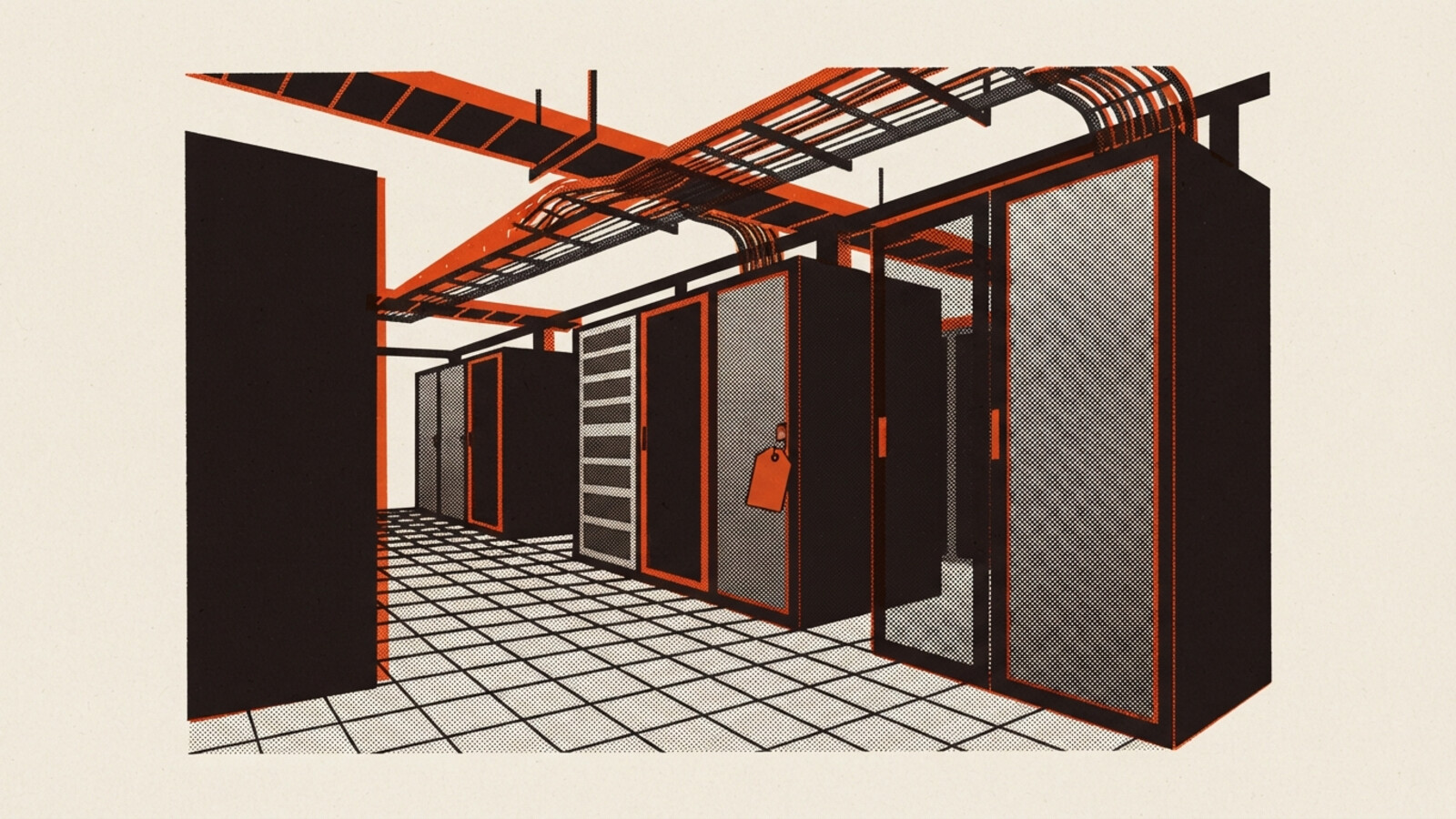
Three weeks before integrated systems testing on Data Hall 3, the owner's rep walks it with the commissioning agent and the operator's facilities lead. They come out with 214 items. An access panel missing on CRAH 3.07. Fire-stopping incomplete where the busway goes through the wall into the electrical room. A cable tray support short by one fixing in Row C. A floor tile that rocks. Forty items that turn out to be the same containment detail repeated down every row.
The list arrives as a spreadsheet with one tab per walker, three different ways of naming the rooms, and a column called "Status" that everyone fills in differently.
The punch list is the schedule
On a data centre the punch list before IST is not a quality exercise that runs beside the programme. It is the programme. The hall does not go into testing until the list is closed or every open item is formally accepted, and the date the client cares about is the date the hall goes live. So every item on that list is on the critical path until proven otherwise.
That changes what the list needs to be. A snag list on a house can live in a spreadsheet for a fortnight and nobody dies. A punch list with 214 items, eleven trades, three walkers and a hard testing date needs to answer one question every morning: what is still open in Hall 3, who owns it, and is any of it going to stop IST.
Stop counting incomplete works as defects
The first thing to do with the 214 is sort them, because they are not all the same kind of thing.
The missing fixing on the tray support is a defect. The fire-stopping at the busway is not a defect yet, it is incomplete works, because the fire services contractor is programmed back in next week. The rocking floor tile is a safety item.
If those all count the same, your defect numbers are wrong and so is your view of the hall. In IssuesId every item carries a Type: Defect, Incomplete Works, Safety and a handful of others. Filter on it and the morning meeting sees 140 defects, 60 incomplete works items that are on the programme anyway, and 14 safety items that get fixed today. Same list, no second spreadsheet.
The rooms have to be named once
The three walkers naming rooms three ways is the other problem. "DH3 Row C", "Hall 3 / C" and "Data hall 3 - row c" are the same place, and a spreadsheet will never know that.
A data centre does not come as a building, level and apartment, so the location tree comes in as a CSV of paths instead: Building A, Data Hall 3, Row C. Halls, rows, electrical rooms and plant rooms become rows in the tree. It goes up to five levels deep, and there is no special "data hall" type, it is just a name. That is enough. Every item is logged against a place in the tree, and a filter on Hall 3 gives you Hall 3, whoever walked it.
Two hundred items, eleven trades
Issuing 214 items one at a time is how the list sits in someone's inbox for three days. Assign in bulk instead: select everything in Row C on containment and send it to the containment contractor in one action. Each trade gets an email with a link that opens their items directly, no account, and marks each one done with a photo of the fix. Whether that photo is required is a project setting, and on a data centre it should be.
They cannot close their own items. Someone on your side does that after looking at the photo, and the close carries their name, their role and the time.
Some items will come back disputed. The controls contractor will say two of the items on the CRAH units are design intent. Fine. They raise a dispute, the item waits for a supervisor to decide, and both sides stay on the record. That argument now happens once, in writing, instead of every morning.
The morning report builds itself
Save the outstanding-items view filtered to Hall 3 and schedule it as a PDF every morning at 6:30. It generates and emails with nobody logged in. Add an overdue rule so anything past its due date goes to the trade and the project manager, and anything a week late goes to a director.
That is the whole daily process. Nobody compiles anything.
The rough edges
IssuesId is a punch list and a defect record, not a commissioning platform. It does not run your functional performance tests, it does not track commissioning levels one to five, and it does not schedule IST. The checklists are yes or no, so a reading goes on the commissioning agent's sheet, not in our system. It does not talk to your BMS or DCIM.
What it does is make sure that on the morning of IST, the list for Hall 3 is current, every closed item has a photo and a name on it, and anything still open has an owner and a reason. When the operator's facilities lead takes over the hall, that record is what they inherit instead of a folder of spreadsheets.
The data centres page has the full walk from the install checks through to the defects liability period.